1. Qualify and collect
Confirm budget, deadline and decision-maker before quoting. Use the free project-fit checker, then collect goals, deliverables and required assets in your intake.
Downloadable template and workflow kit
Turn a signed client into a kickoff-ready project before scope confusion starts. Use practical templates, AI prompts, trackers, and a guided offline start page to collect details, confirm scope, and send the next clear message.
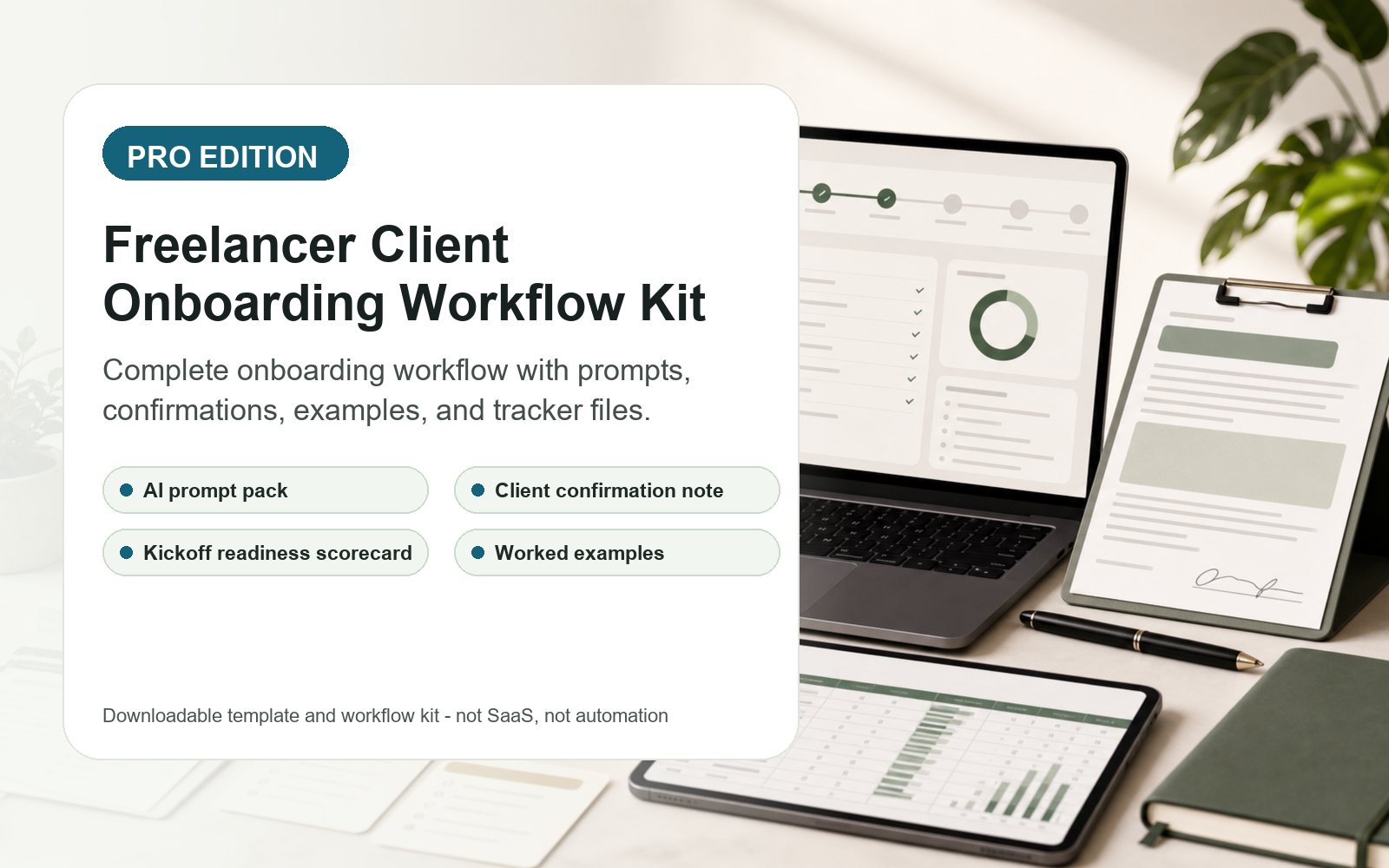
With the Pro version, a typical first setup should leave you with a client confirmation note, a scope summary, a kickoff readiness score, a tracker row, and a practical next message.
Free mini sample
Client onboarding is the process of turning an accepted project into an agreed scope, payment plan, asset handoff, approval process, and kickoff. Confirm these ten points with your client before delivery begins.
A practical sequence is to qualify the project, collect the brief, confirm scope and payment terms, gather assets, then agree the kickoff action. A checklist helps surface missing decisions; it does not replace your contract.
Confirm budget, deadline and decision-maker before quoting. Use the free project-fit checker, then collect goals, deliverables and required assets in your intake.
Write down inclusions, exclusions, revision rounds, payment dates and approval responsibilities. Use the onboarding checklist to identify open questions before kickoff.
Confirm the next action and asset handoff. When a new request arrives, estimate the scope-change cost and draft a clear client reply before starting extra work.
Free workflow tools
Try browser tools for project acceptance risk, scope creep estimates, and awkward client replies. No login required.
One-time prices: Starter $8, Pro $20, and Studio $34. No subscription. Start lightweight, get the full solo freelancer workflow, or add a studio operating layer for repeat client work.
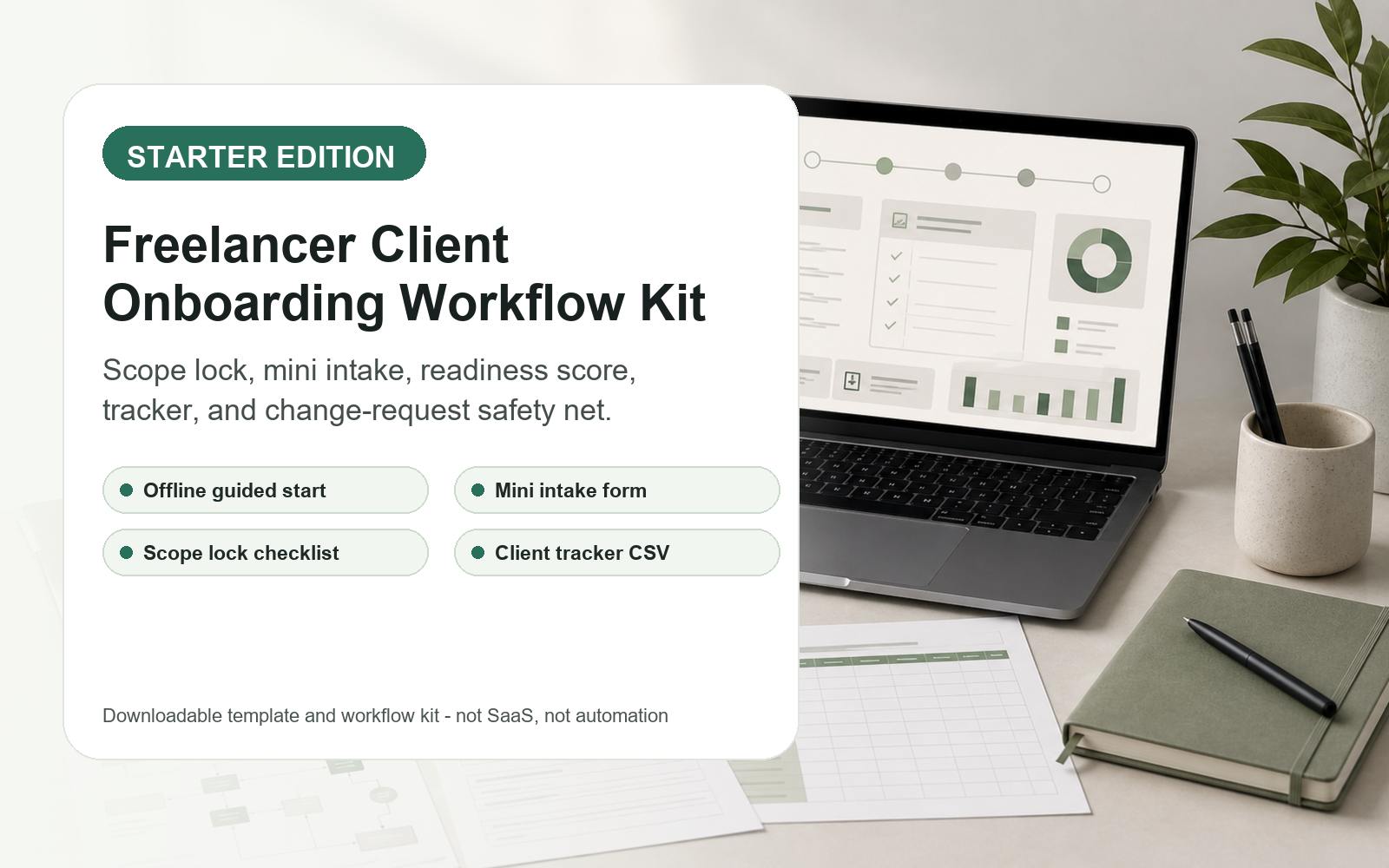
Scope Lock Pack
$8
One-time purchase
Best for freelancers who need a simple intake, readiness check, tracker, and scope-change safety net.
Best value
Full Onboarding Workflow
$20
One-time purchase
Best for solo freelancers who want the complete workflow for turning messy client notes into clear kickoff materials.
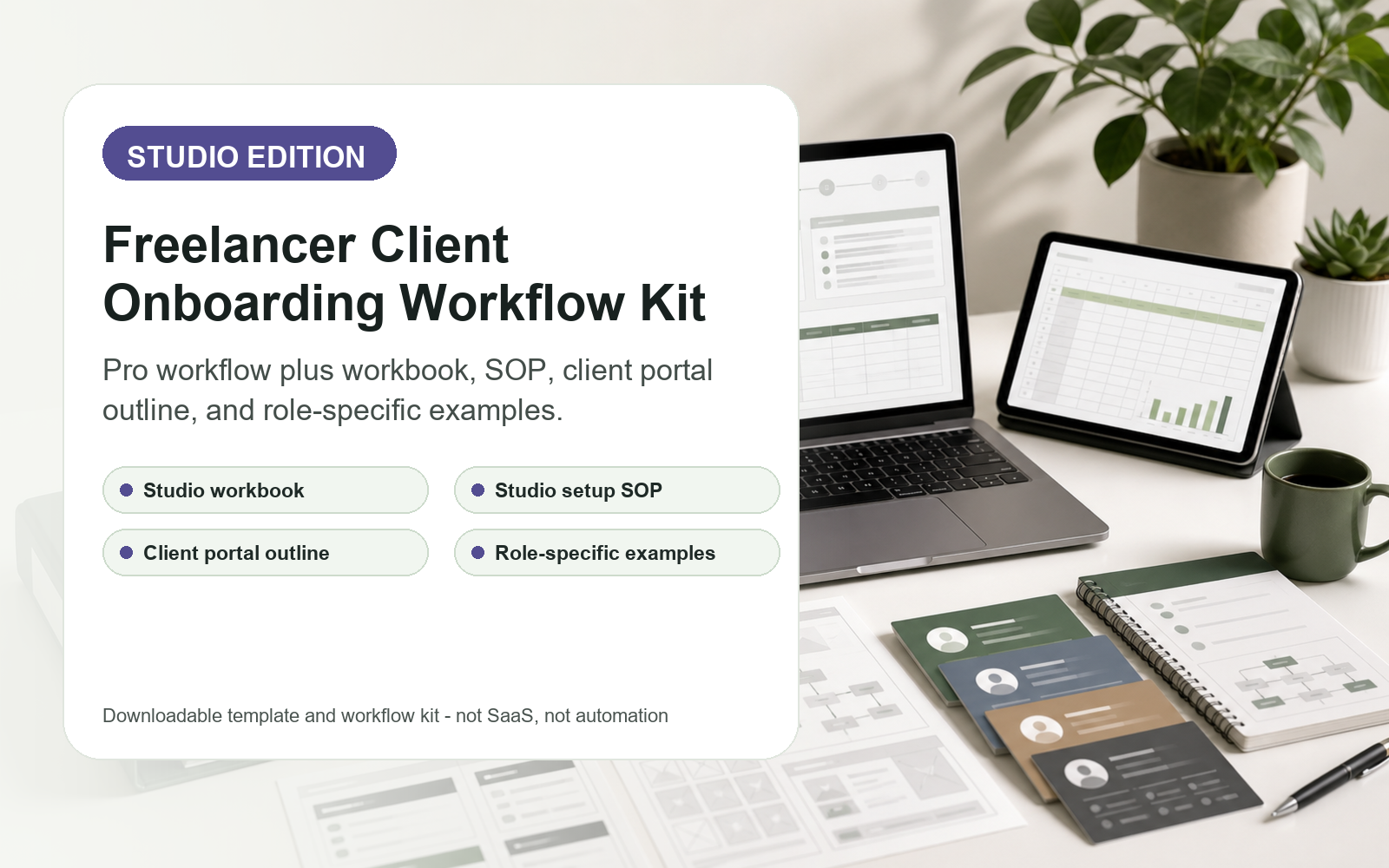
Workflow OS + Workbook
$34
One-time purchase
Best for repeat client work, small studios, or freelancers who want a more structured onboarding operating system.
The page uses screenshots rendered from the actual product materials, not generic mockups.
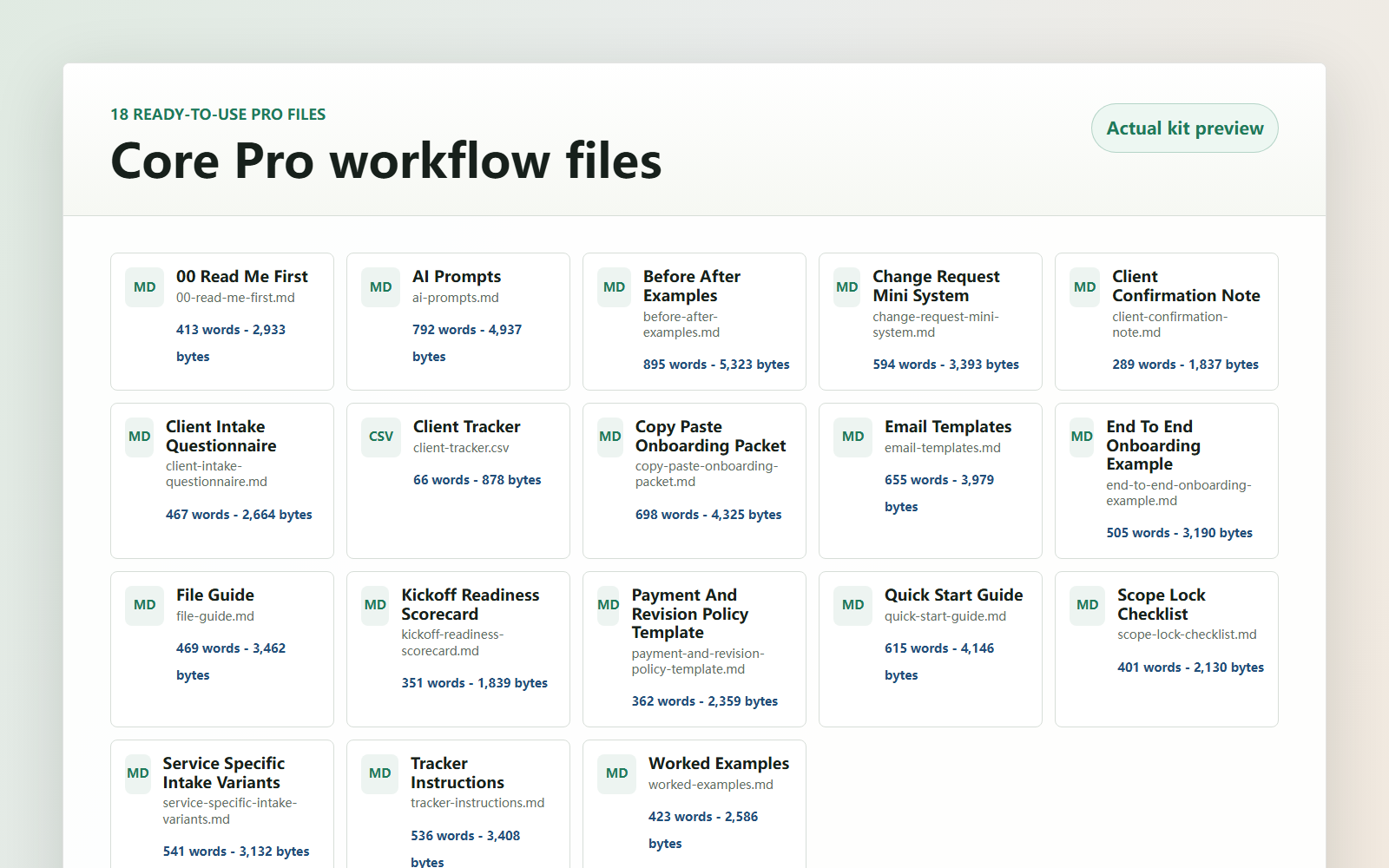
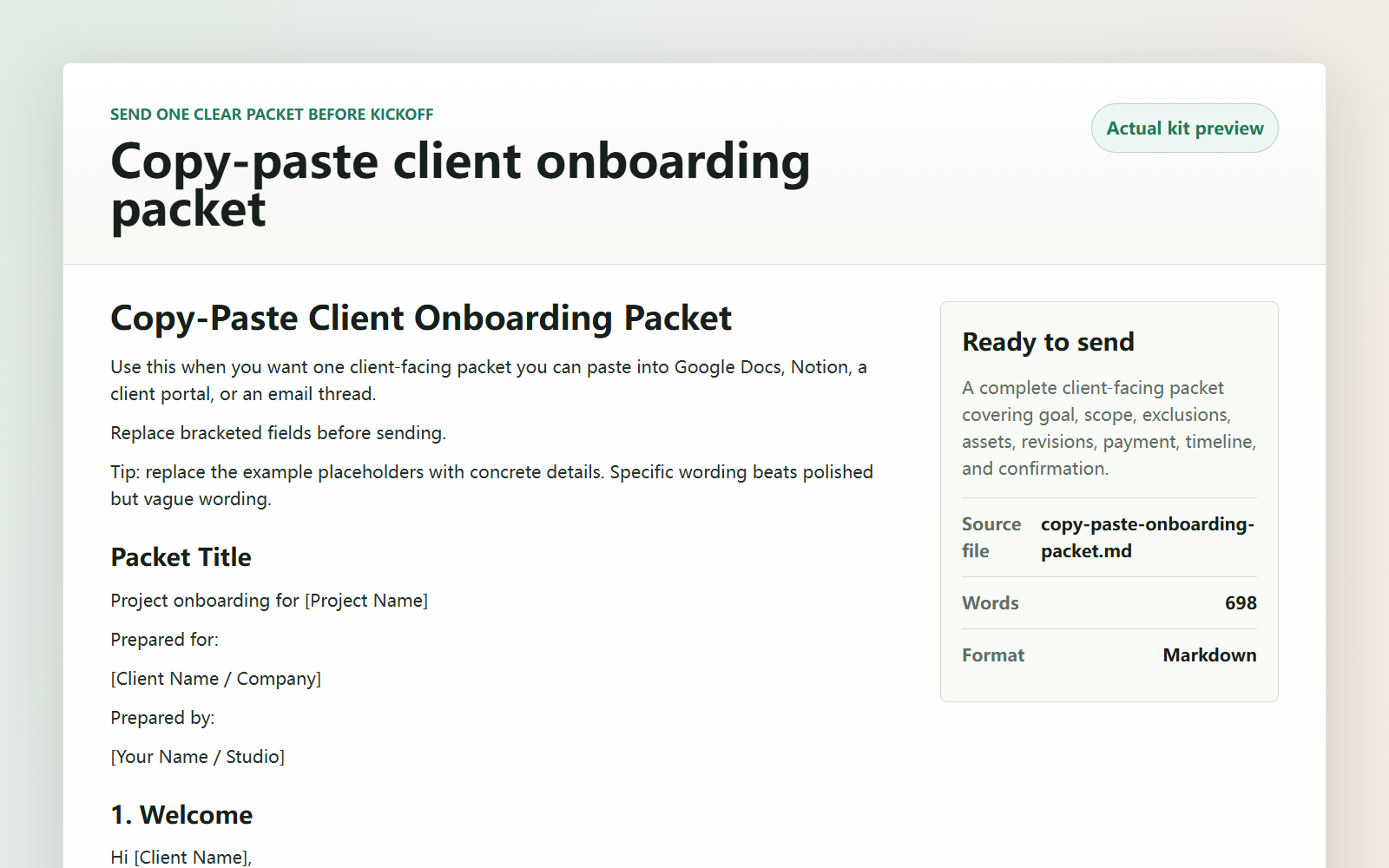
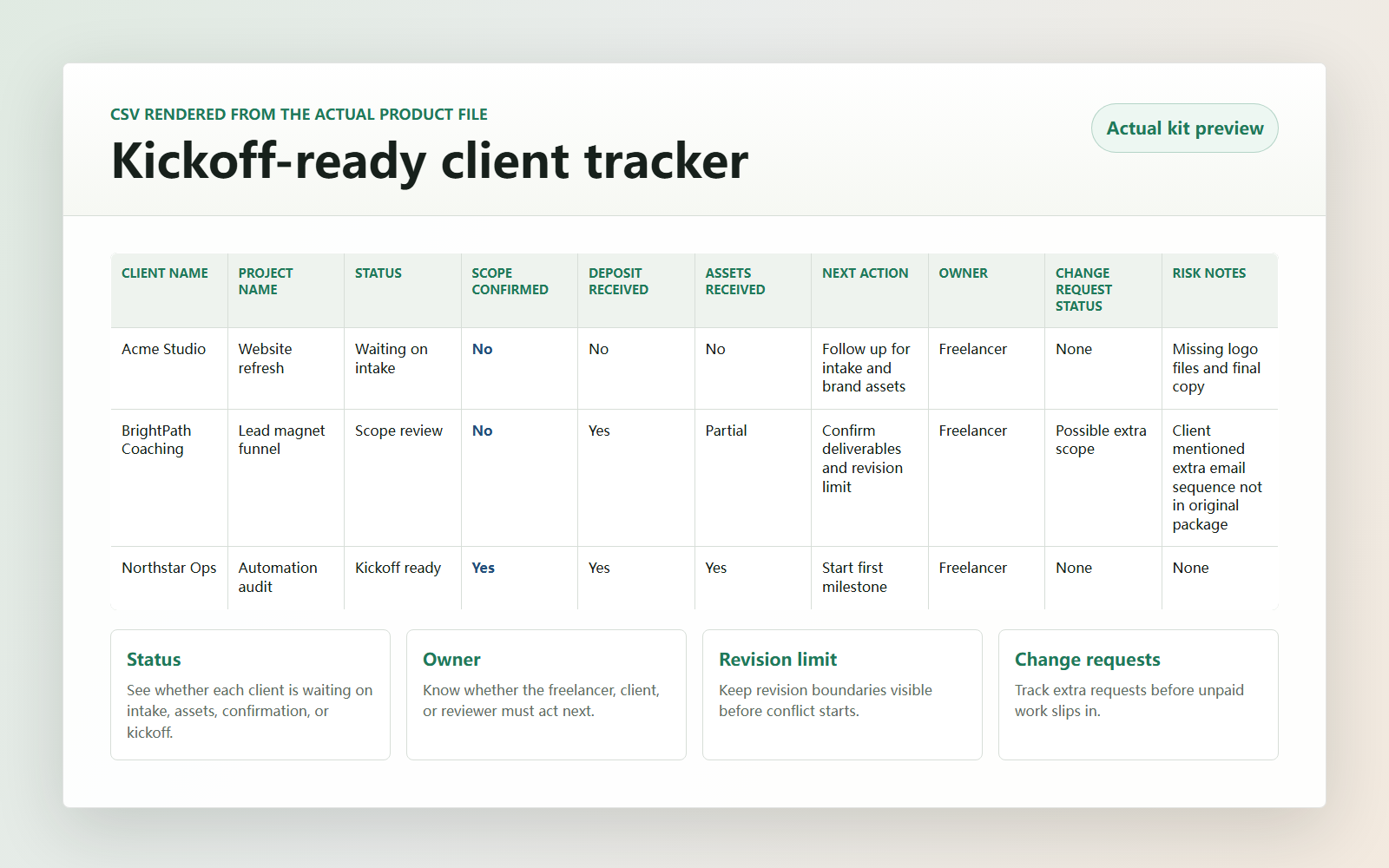
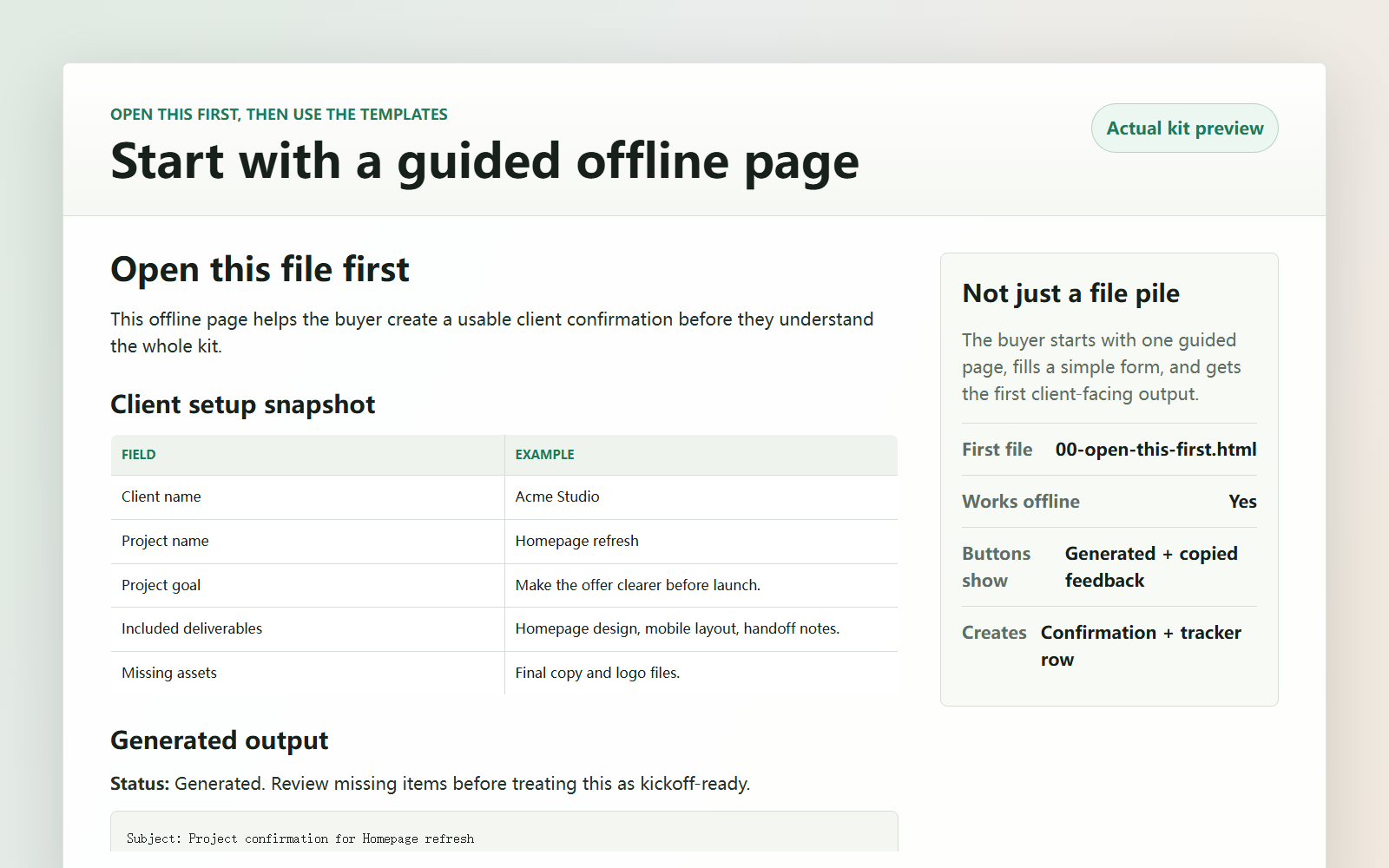
Short answers for the things buyers usually need to know before downloading a digital workflow kit.
No. This is a downloadable template and workflow kit. It includes offline HTML, Markdown, DOCX, PDF, CSV, and XLSX files depending on the version.
No AI account is included or required to open the files. Pro and Studio include prompts you can paste into your preferred AI tool if you want AI-assisted drafting.
Yes. The kit is designed to be copied into your preferred workspace. Files include Word-compatible documents, CSV trackers, and a Studio Excel workbook.
Yes. The free mini checklist on this page shows the scope-lock logic. The paid versions expand it into reusable intake files, tracker templates, client emails, AI prompts, and worked examples.
No. Purchase lets you adapt the templates for your own business and client work. PLR, MRR, resale, public redistribution, or bundling into another paid product is not allowed.
Support covers file access issues, wrong-file delivery, duplicate purchase questions, and basic product questions. Contact [email protected].
Choose the version that matches how much structure you want around intake, kickoff readiness, tracking, and change requests.
Compare versions